REDCap

Our Technology REDCap

Table of Contents

5-min read

What is REDCap?

REDCap (Research Electronic Data Capture) is a flexible and secure web-based survey and form tool. Designed specifically to support data collection for various types of research, REDCap can be set up to meet a variety of security regulations (e.g., HIPAA, FERPA, etc). It is used as a research tool by over 8,000 organizations worldwide!

REDCap is supported by WSU Spokane Information Technology Services and is reserved for data collection related to health sciences and human research. For non-health sciences activities—such as casual polls or other non-research data collection—please use Qualtrics.

REDCap Features

  • Data Collection: Create and manage online surveys and data entry forms.
  • Data Validation: Ensure data accuracy with real-time validation checks for a variety of data types and ranges.
  • Audit Trails: Track all changes made to your data, including who made the changes and when.
  • Security and Compliance: Can be structured to de-identify data and comply with various regulations such as HIPAA and 21 CFR Part 11. Speak with the IRB of record for your study if you have regulatory compliance questions.
  • Sophisticated statistical analysis.
  • High-level data visualization.
  • File storage, sharing, collaboration, and backup.

Access REDCap

If you have questions or need help troubleshooting your REDCap project, email: spok.it.help@wsu.edu and specify your request with the collaborator's name and ID number of your project. Click the button to access REDCap.

First Time Users

  1. If you are a new user, please email spok.it.help@wsu.edu and request access. Please include your name and position at WSU in your email. 
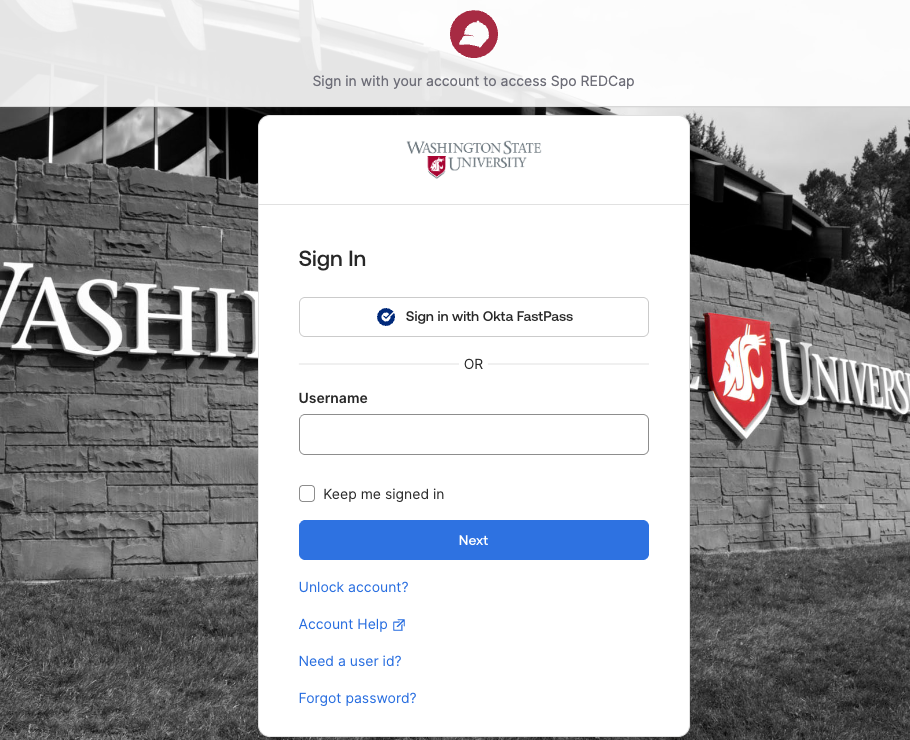
  2. Once we’ve added you as a REDCap user, log in with your WSU Network ID and password via Okta Verify.
External Collaborators

  1. Please contact your PIs or project leader to request REDCap access.
  2. Project leaders will contact the person within their department who handles hiring and will set up an “affiliate profile.”
  1. Please contact Megan Fulton with your collaborator’s name and email address.
  2. Once the affiliate profile is set up, email the REDCap administrator at spok.it.help@wsu.edu and request the affiliate be added as a user to REDCap. In your email, please include the project(s) information to which the affiliate should have access.

Support and Resources

REDCap is designed to be easy for everyone to work with. Most users can get started quickly with the basics. For more complex study designs, REDCap has a large array of advanced features such as:

  • Randomization.
  • E-consent.
  • Multi-language management.
  • The list goes on!


At this time, there is no formal training in REDCap provided by WSU, but there is a wealth of online information.

AI tools can be helpful when you're learning or troubleshooting in REDCap, but some of the information can be incomplete, outdated, or incorrect. Double-check any responses from AI with reliable sources, and use your best judgment before applying it in your work.

If you have questions or need help troubleshooting your REDCap project, email spok.it.help@wsu.edu. Please specify your request, and add the name and ID number of your project.

Related Reading