Instructors primarily engage with the UWorld question bank through the creation of assignments and templates. You may need to share your assignments and templates with other instructors. Let’s look at how you can do that.
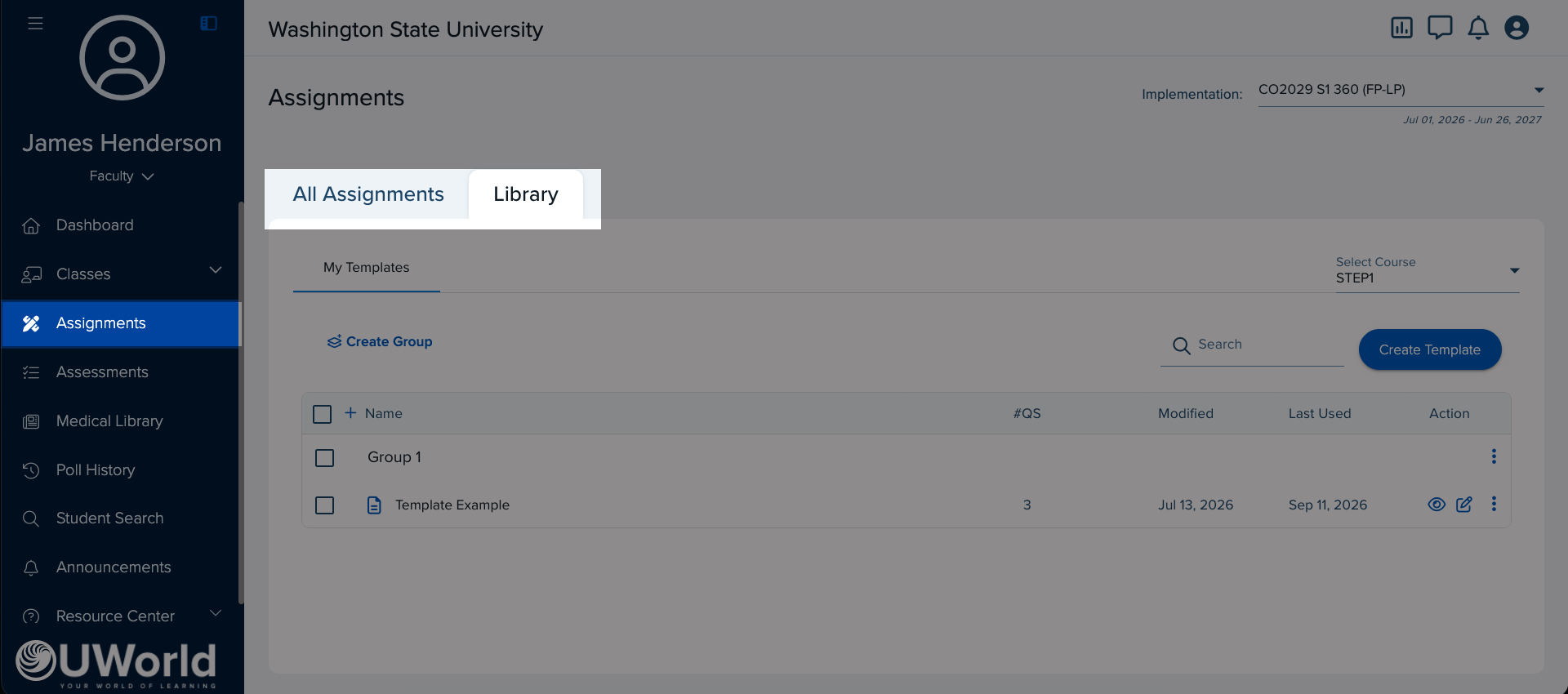
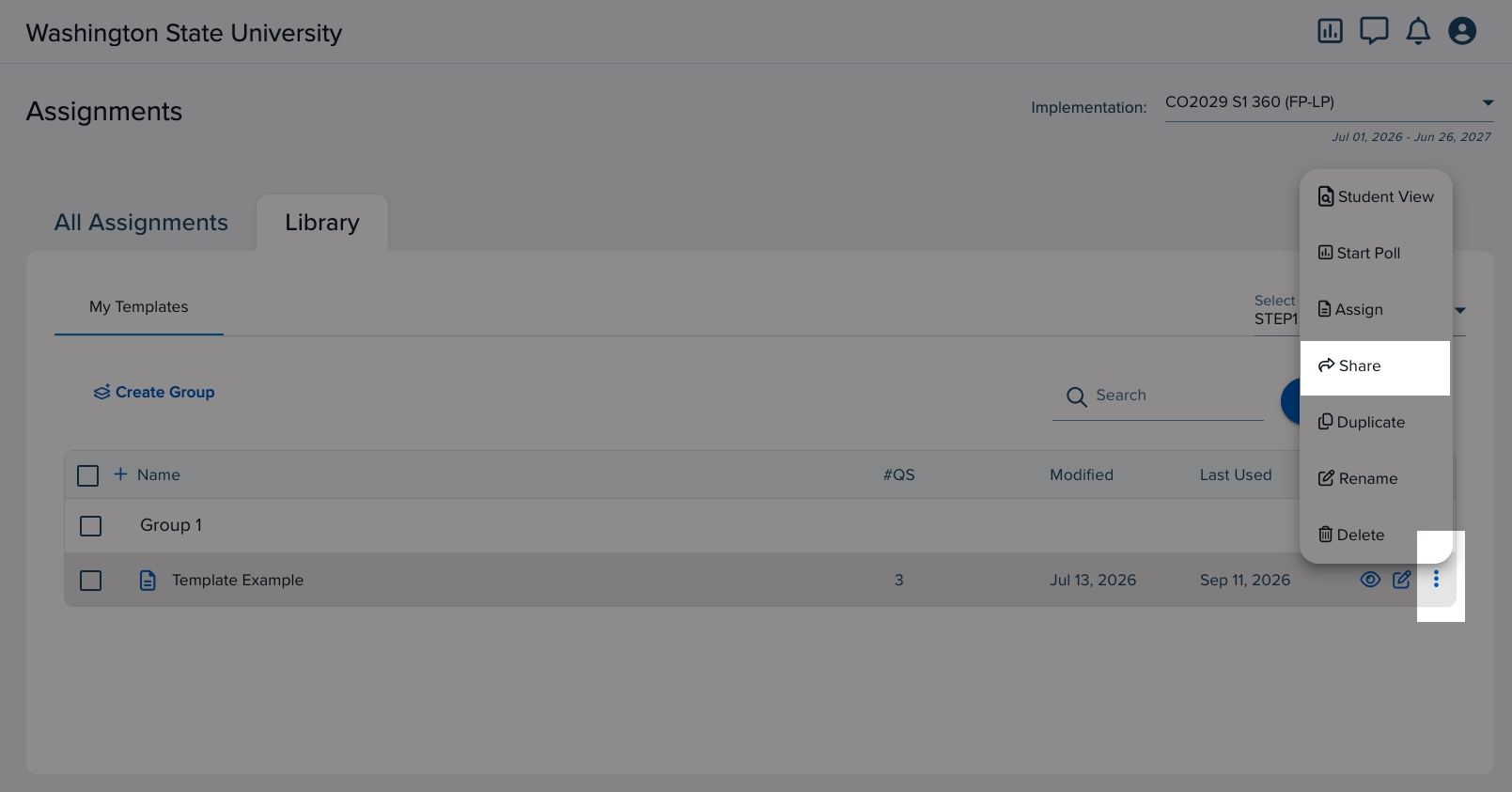
Share an Assignment or Template
There are two ways to share the assignment or template:
- Send Directly
- Send Code
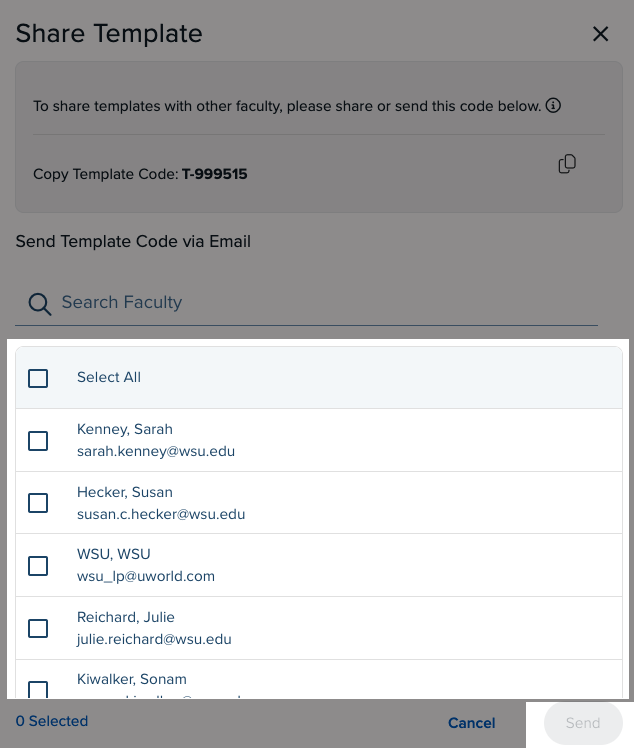
In the Share Assignment or the Share Template menu, send directly to an instructor by searching and selecting an Instructor’s name(s). Then click Send.
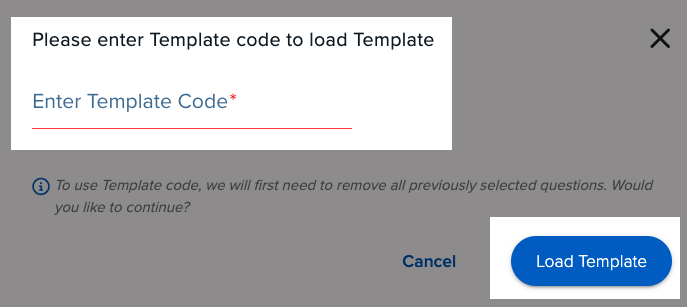
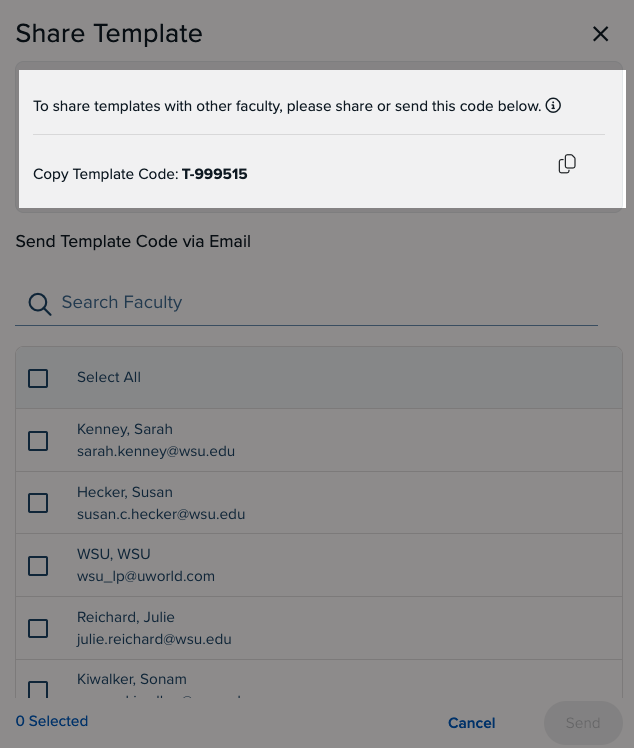
In the Share Assignment or Share Template menu, copy the Code that appears toward the top and send it to the instructor.
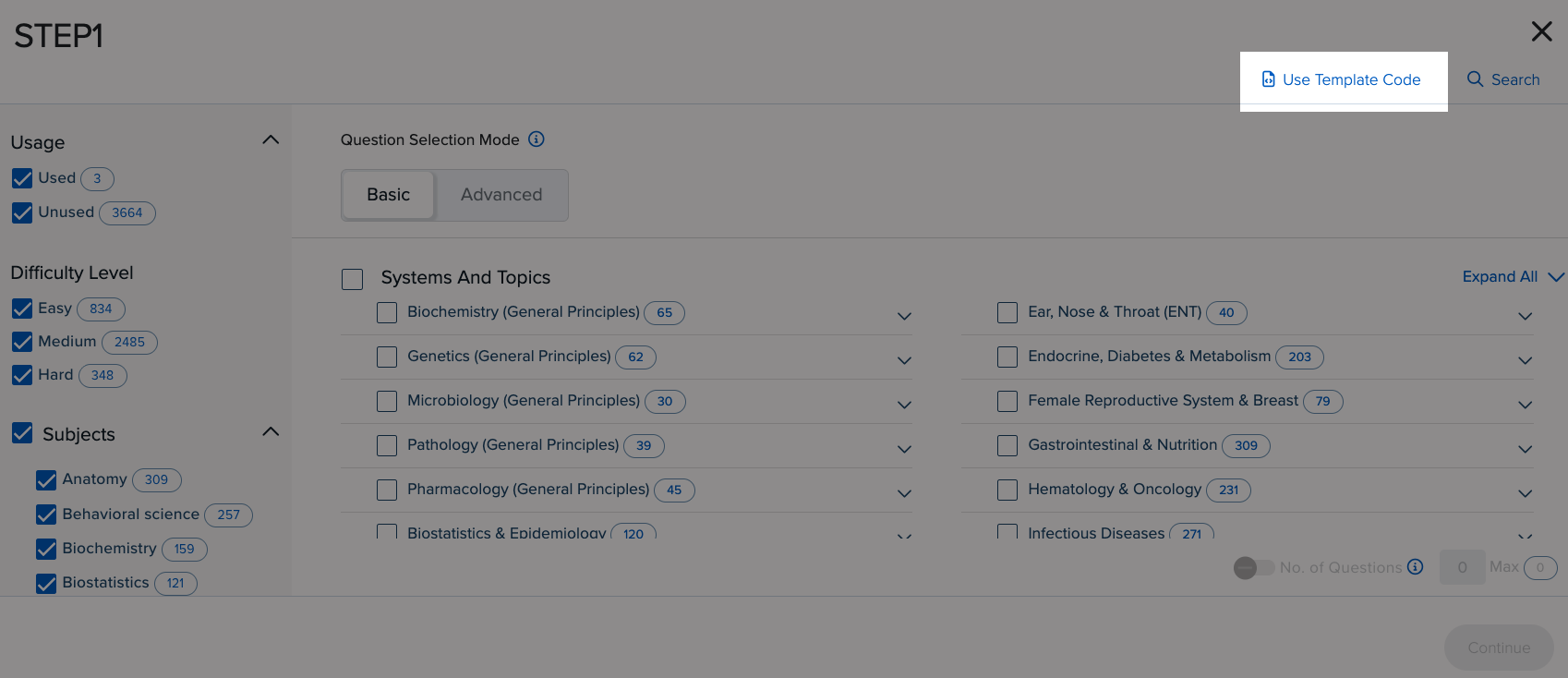
Add a Shared Assignment or Template
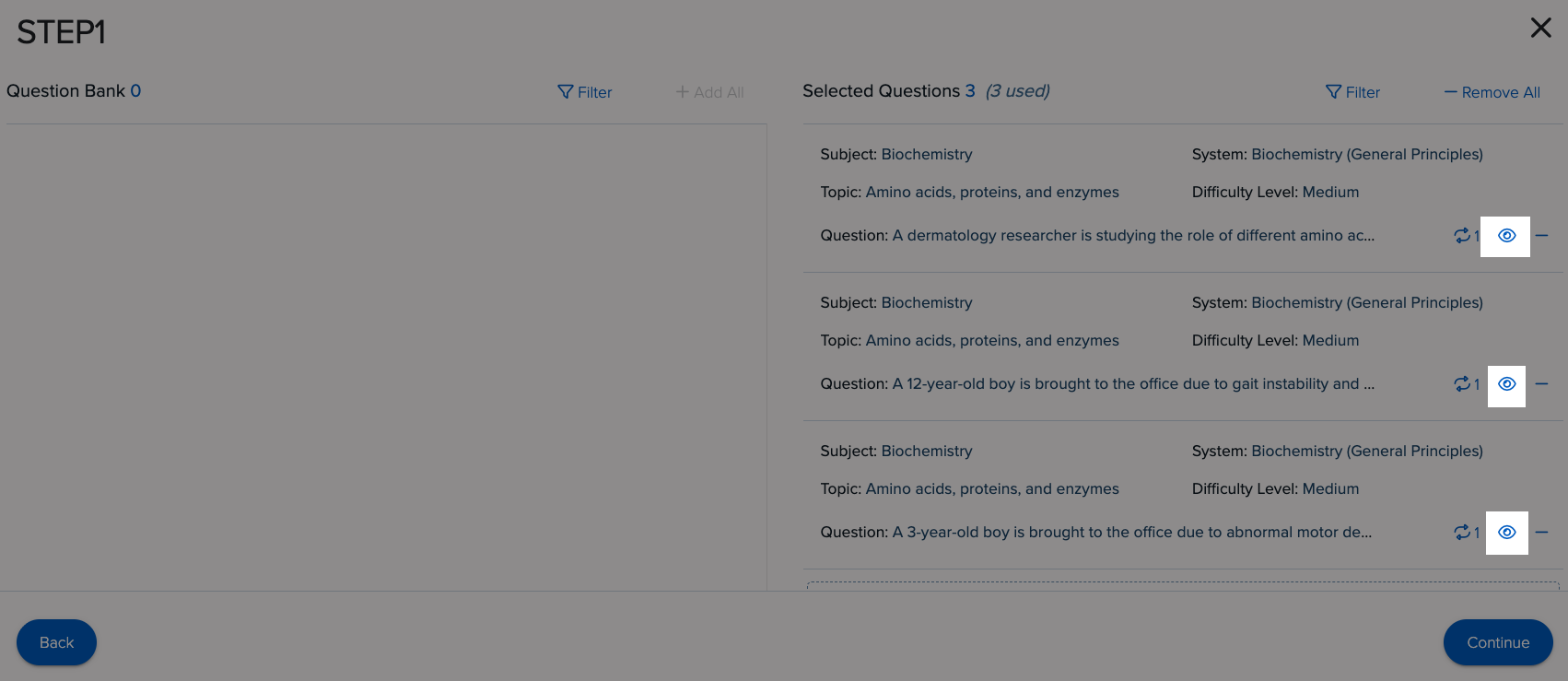
View the Questions
Keep in Your Account
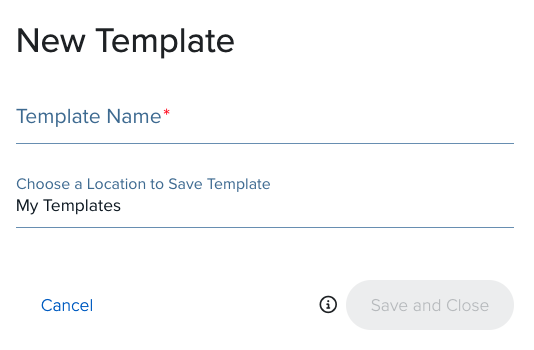
If you want the shared assignment or template to remain in your account, continue through the menus. Give the assignment or template a Name, and then click Save or Save as draft.
Please be aware that assigning a shared assignment to students or a cohort without changes, may result in creating a duplicate assignment.
The LEAD unit is responsible for UWorld implementation. For technical questions and assistance, please click the button for support.