The WISE Program, which includes WISE-Surgery and WISE-OnCall, is an online tool that provides multimedia modules covering surgery and clinical skills.
Access the WISE Program
Access is provided to clerkship students and faculty. If you do not already have access, contact the LEAD unit.
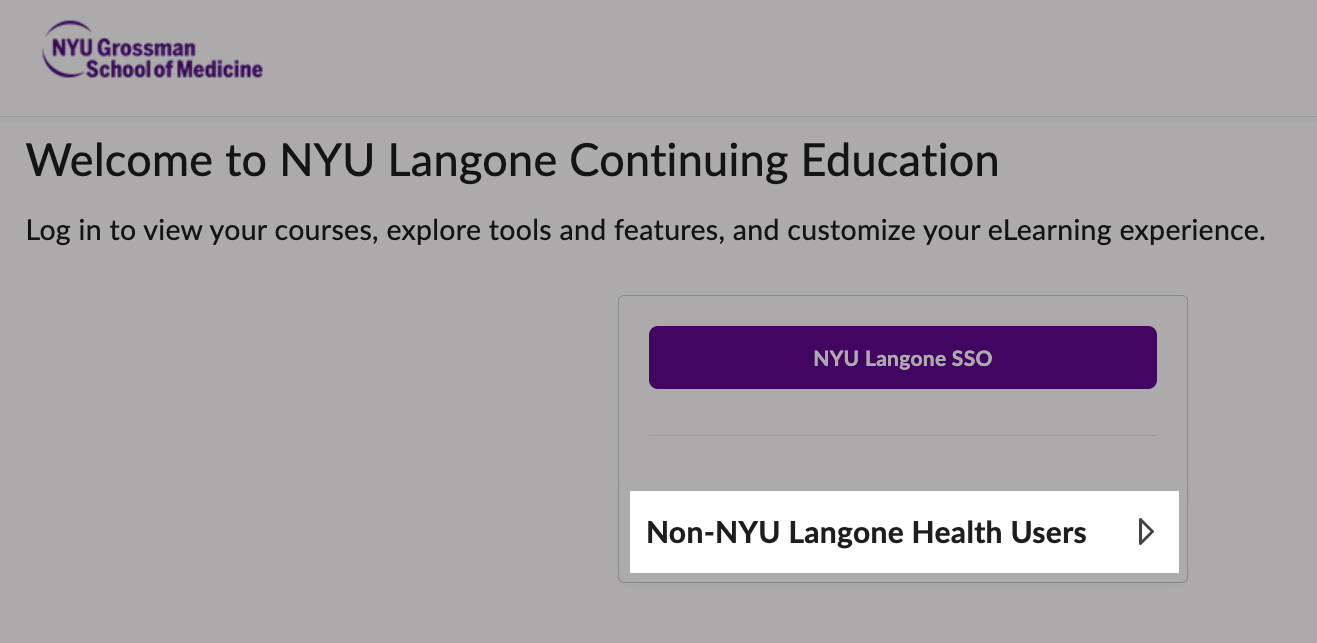
Enter your WSU email address into the Username field and the password you created.
A generic password was provided in the initial access email. If you did not receive an email with access and a password, contact LEAD-U.
Course and Module Access
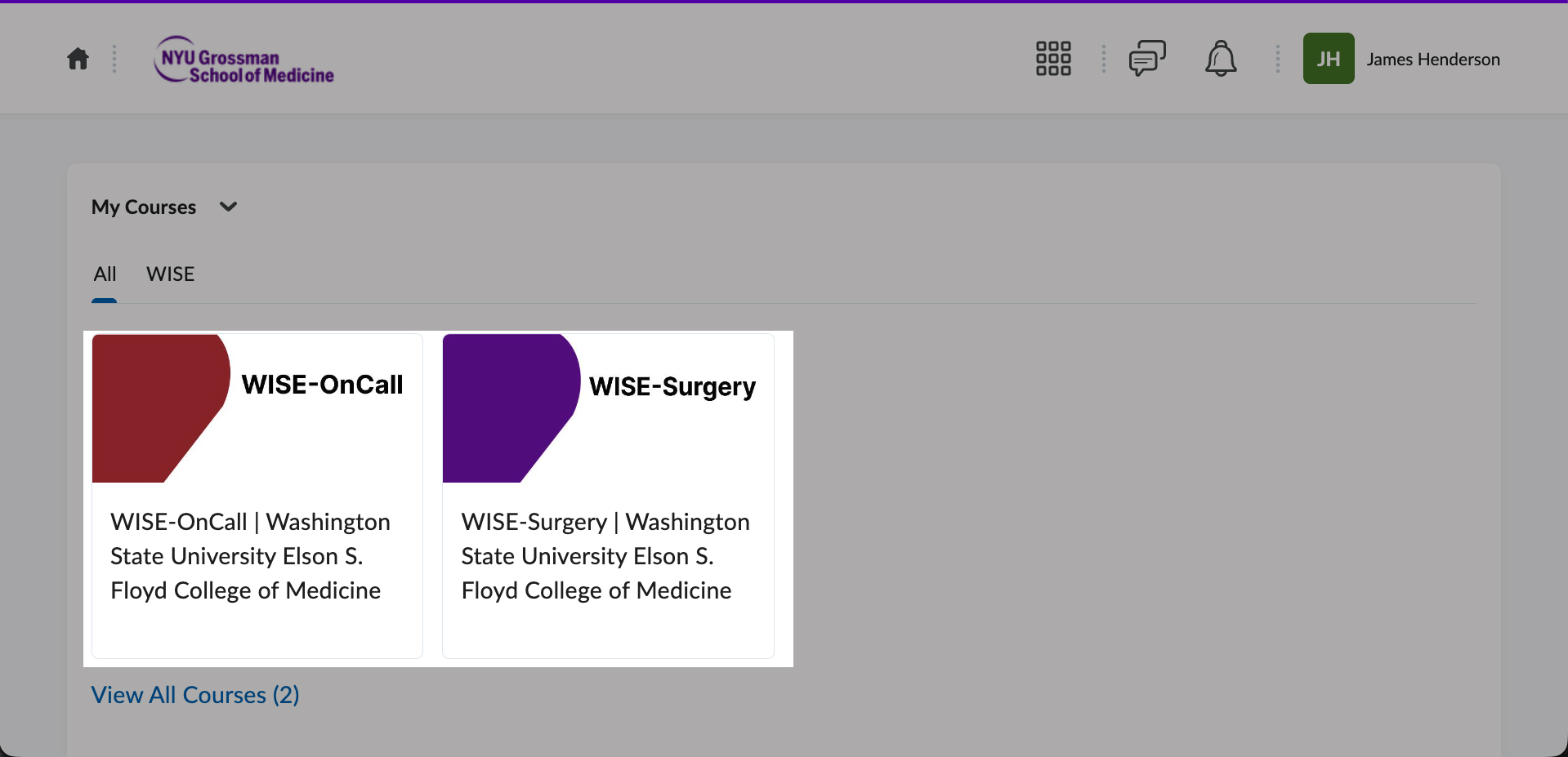
From the Home page, select either WISE-Surgery or WISE-OnCall courses.
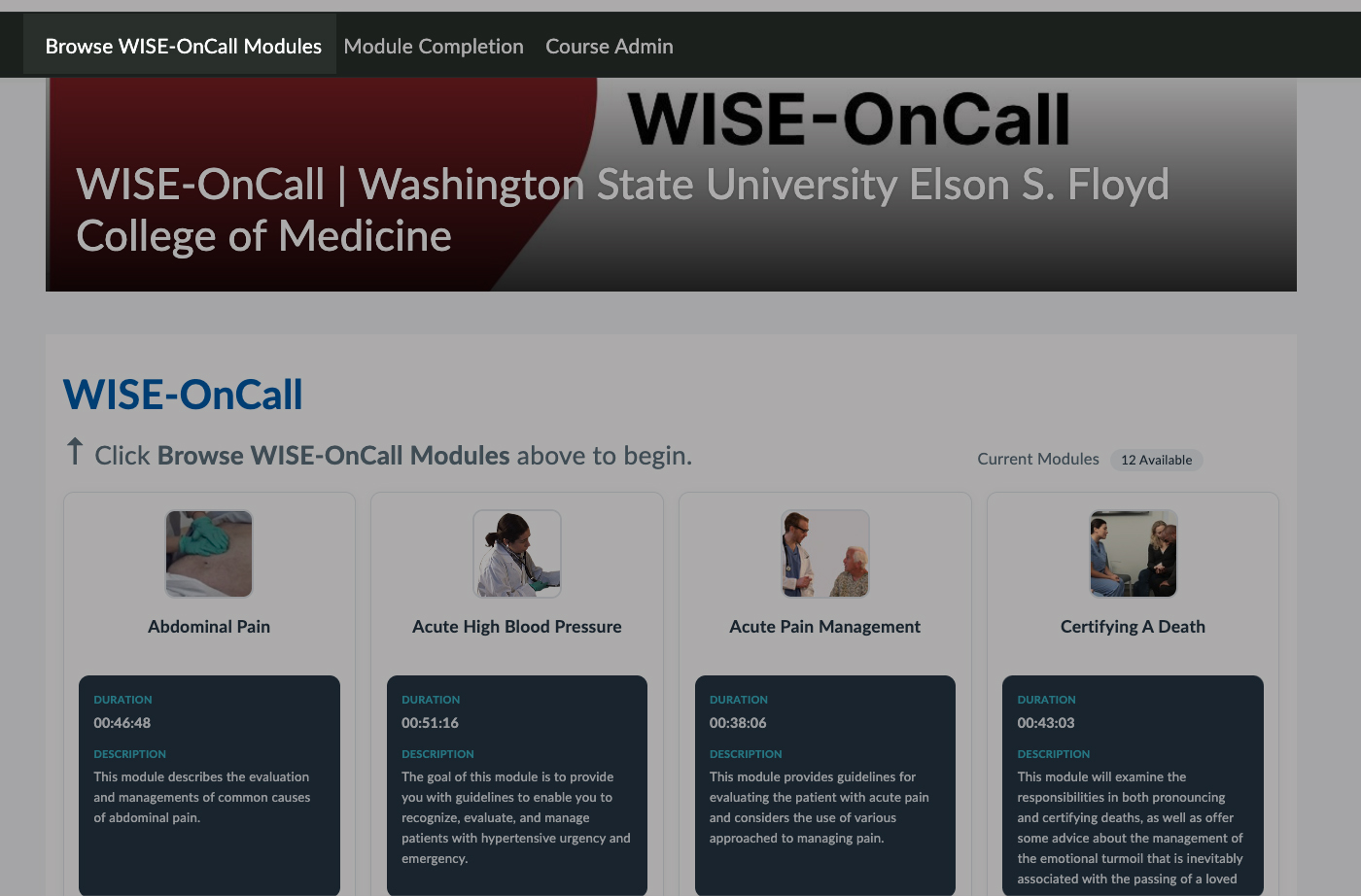
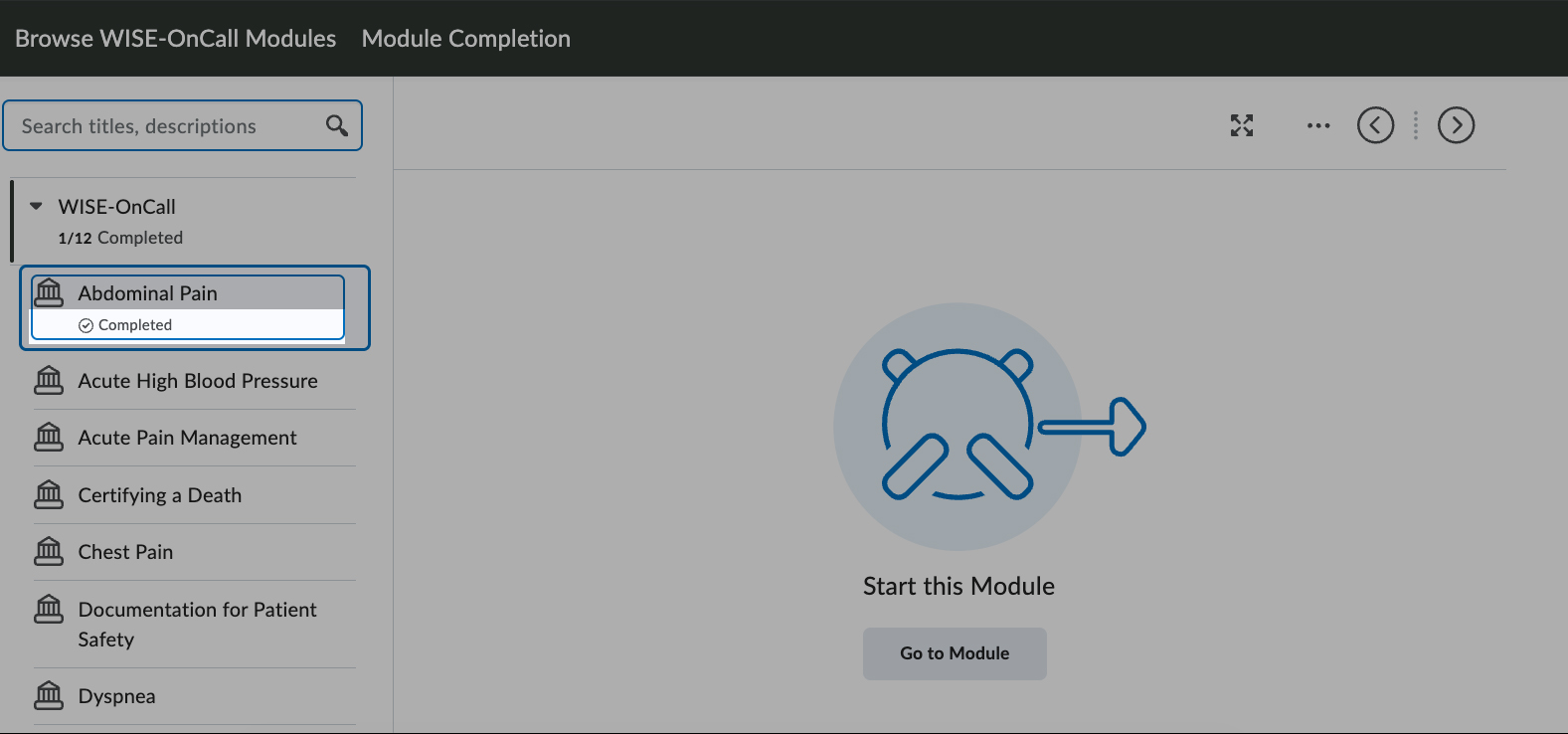
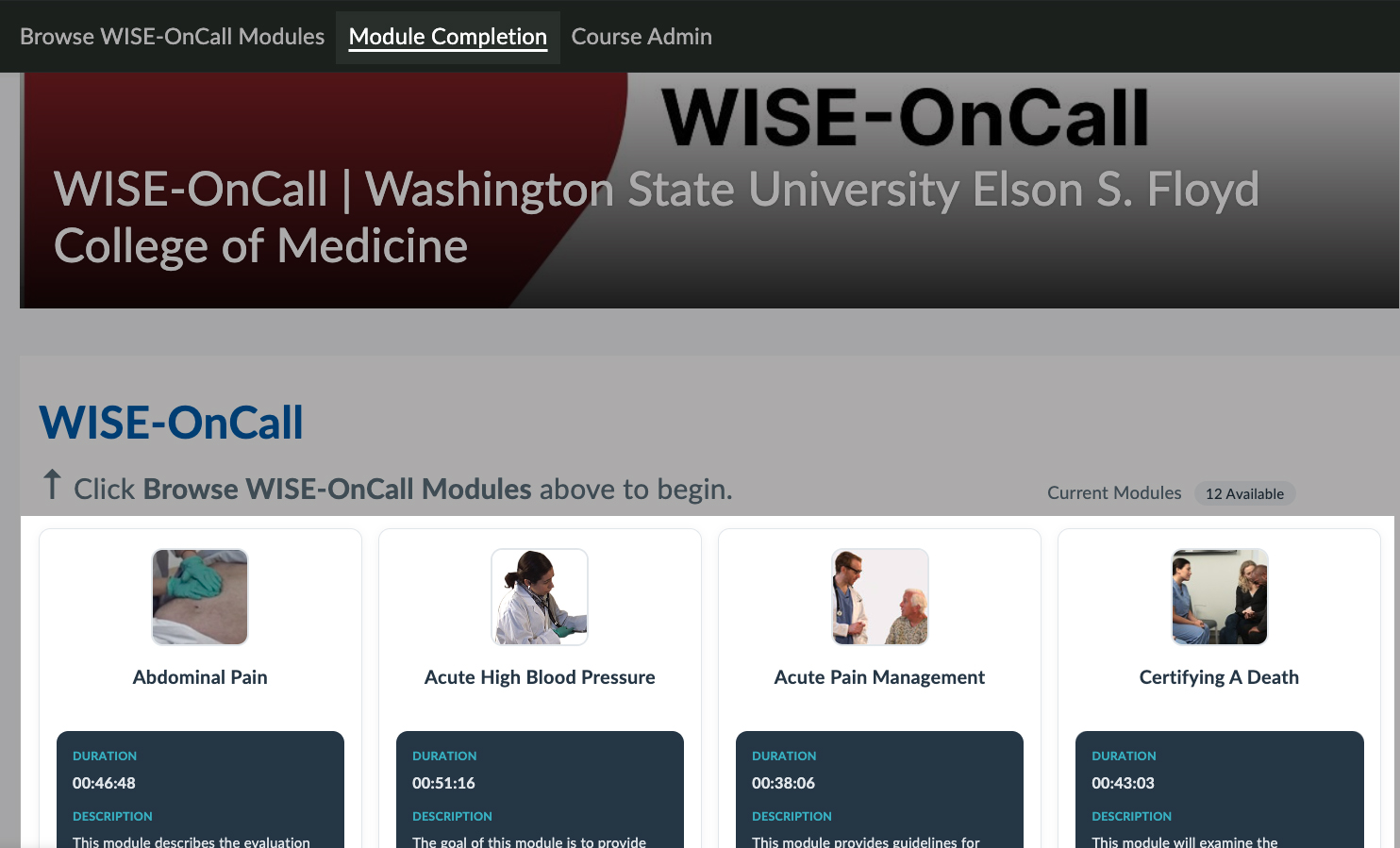
After selecting a course, preview the list of modules, their duration, and their descriptions. To begin interacting with the module, click the Browse WISE-Surgery Modules or Browse WISE-OnCall Modules button in the top-left.
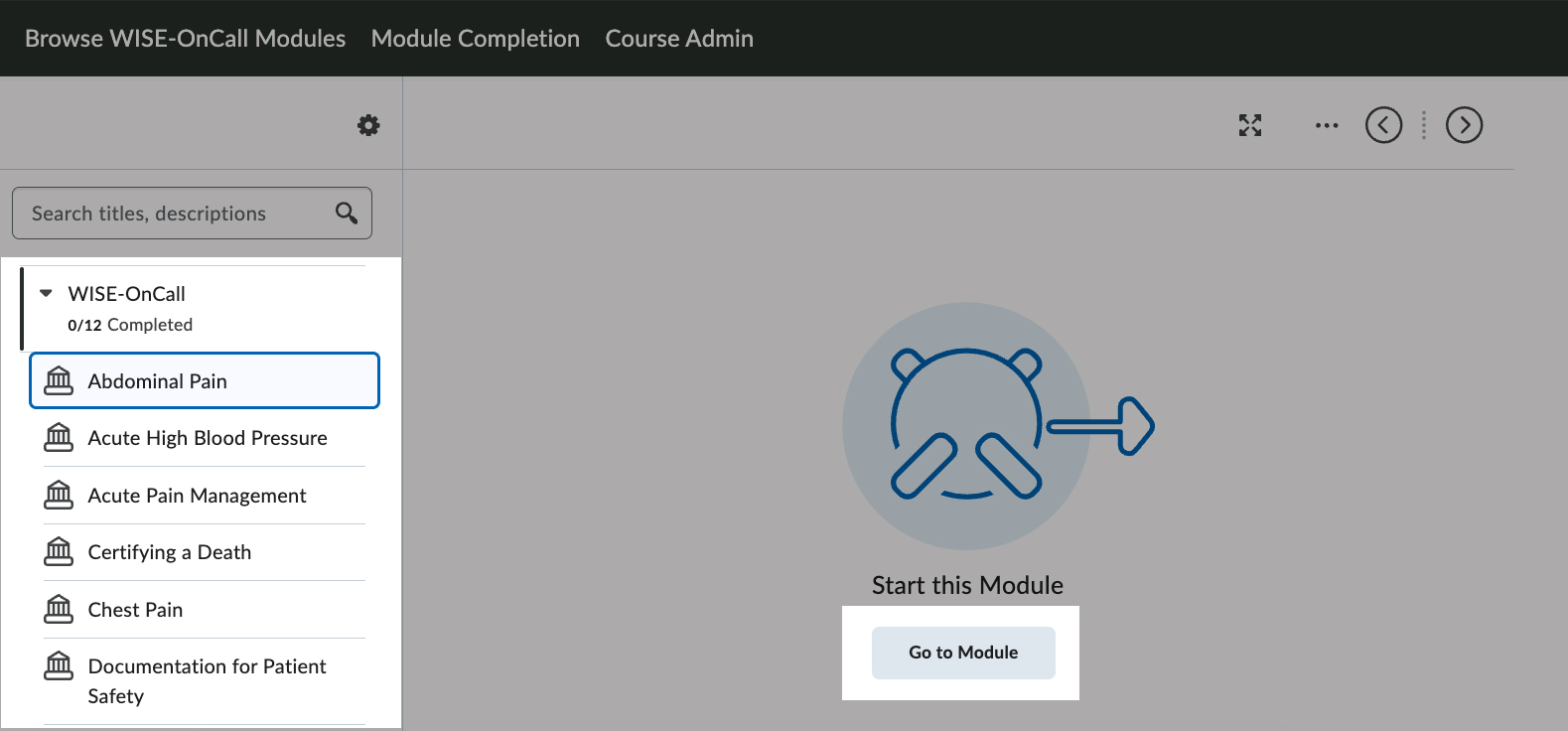
Search through the list of modules, select one, and then click Go to Module to begin.
Once you have completed the module, you’ll see Completed in the module list.
Faculty: Review a Module Completion
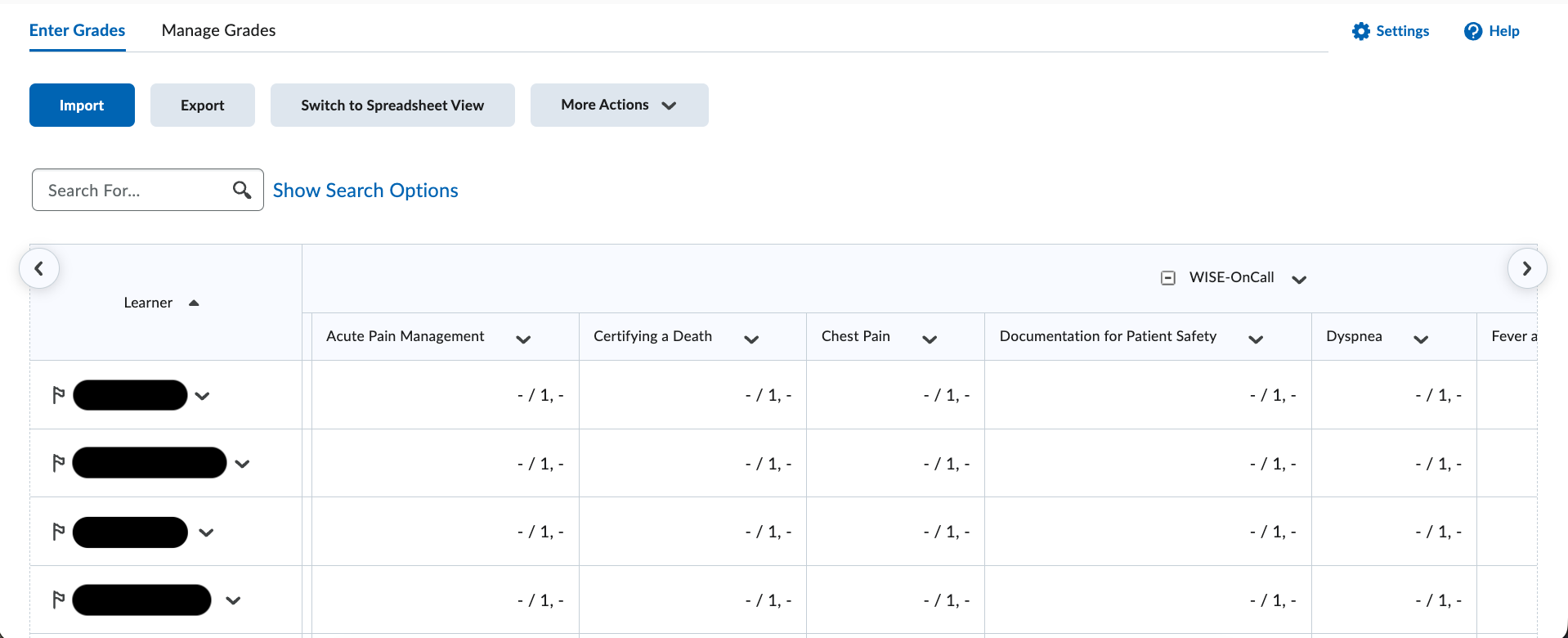
Faculty can review student module completion and progress.
First select the WISE-Surgery or WISE-OnCall course. Then click Module Completion at the top.
You will see a table with the list of student names, modules titles, and completion status (complete/incomplete).
The LEAD unit is responsible for the WISE program implementation. For technical questions and assistance, please click the button for support.