Access Bates’ Visual Guide to Physical Examination

heading intentionally left blank

Technology › Access Bates’ Visual Guide to Physical Examination

Table of Contents

5-min read

The library platform hosting Bates’ Visual Guide to Physical Examination includes additional authentication methods whether you are on or off campus.

On-Campus Access

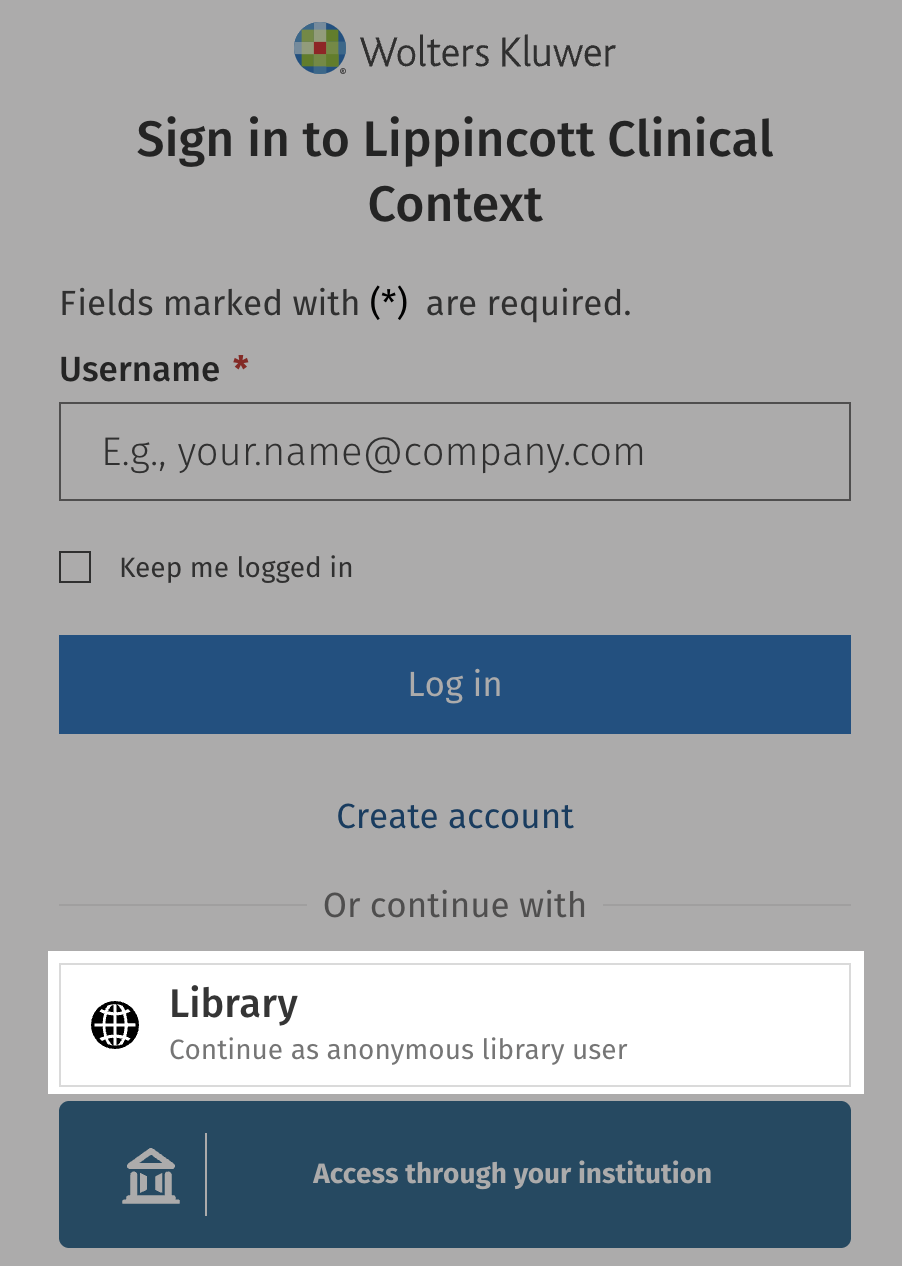
If you are on campus, click the Library link to access as an anonymous user. This is a much faster access method for on-campus users.

Off-Campus Access

If you are off-campus, please follow these instructions:

  1. Open a web browser and navigate to the Bates’ Visual Guide to Physical Examination.
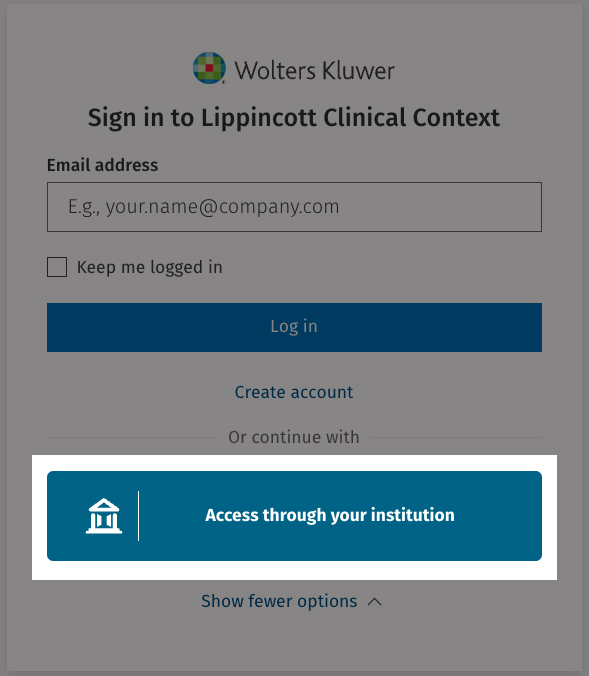
  2. Select the Access through your institution button.
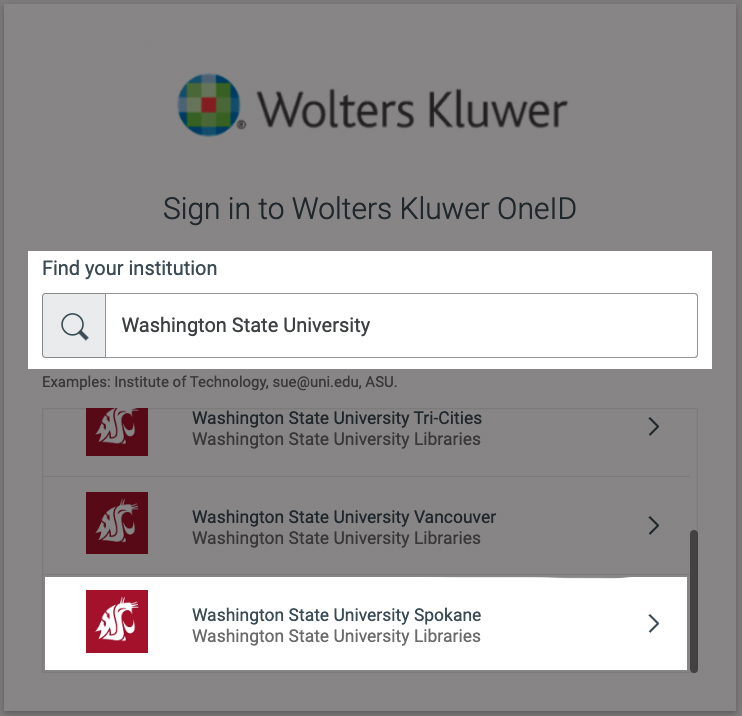
  1. In the search bar, type Washington State University.
  2. Select Washington State University Spokane.
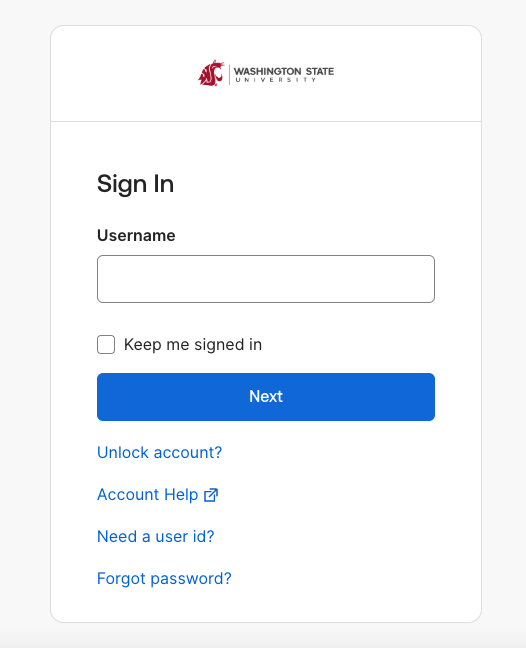
  1. Your internet browser will redirect you to the WSU Sign In page. Then, fill in your WSU credentials (email and password) and complete the authentication process.

Troubleshooting

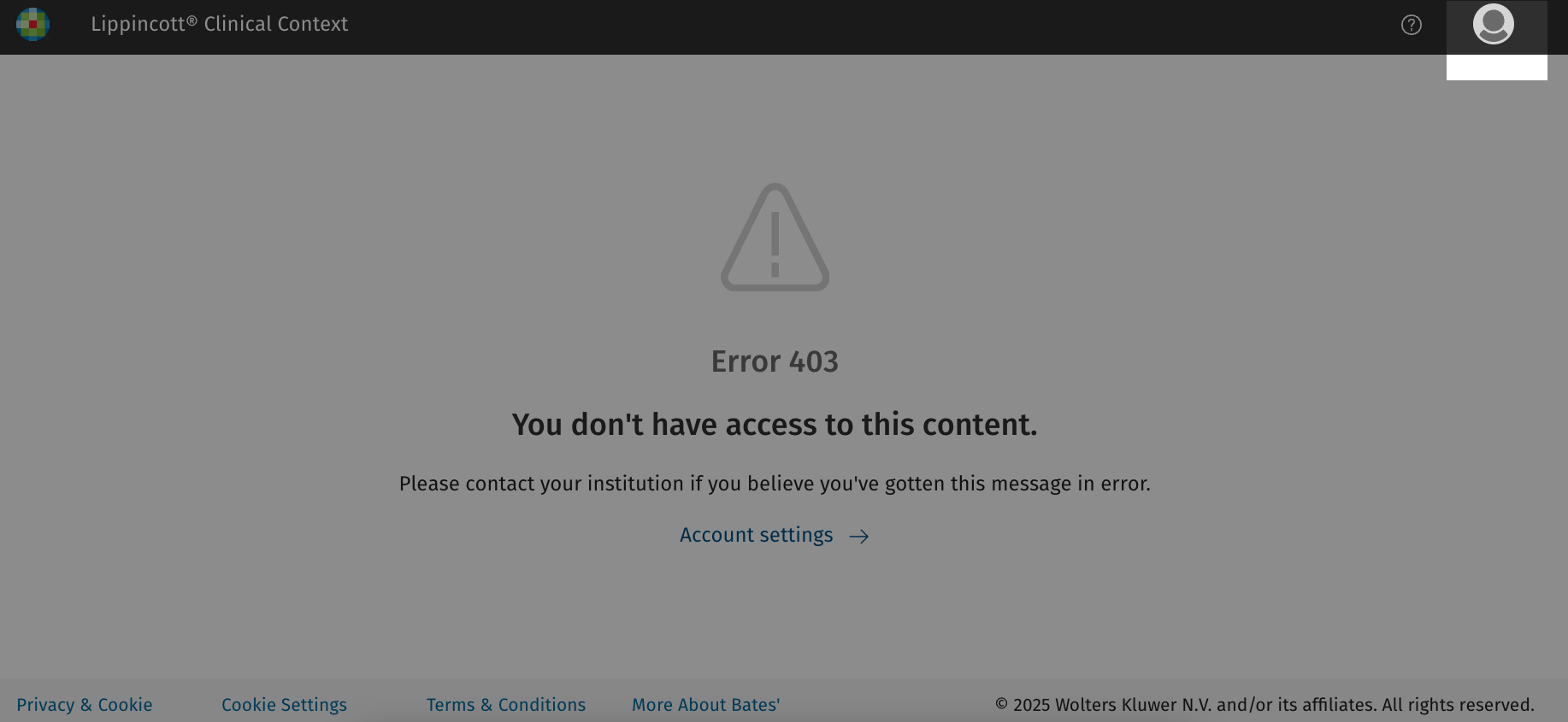
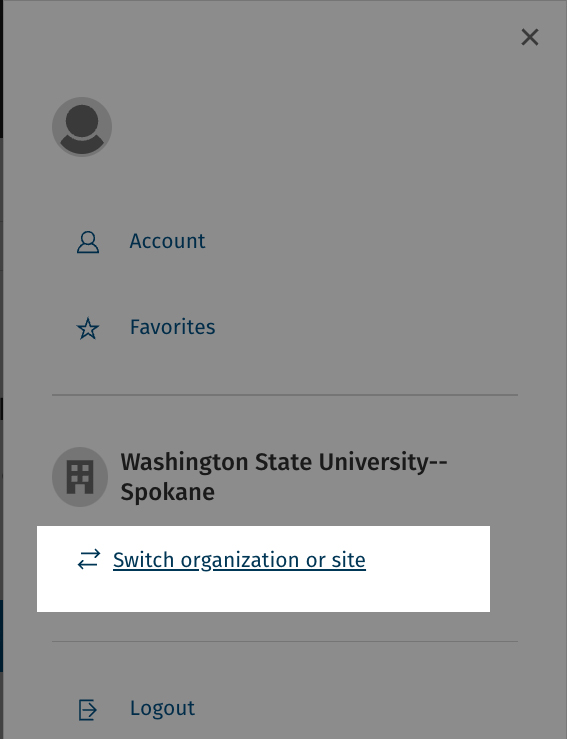
If you accidentally select a different institution and are unable to access the resource, click the Profile button in the upper-right corner and click Logout.

This allows you to select your institution again. Then follow the steps outlined above.

If you encounter further issues, please contact the WSU Library.
Keep Learning

Library Resources for Preceptors